
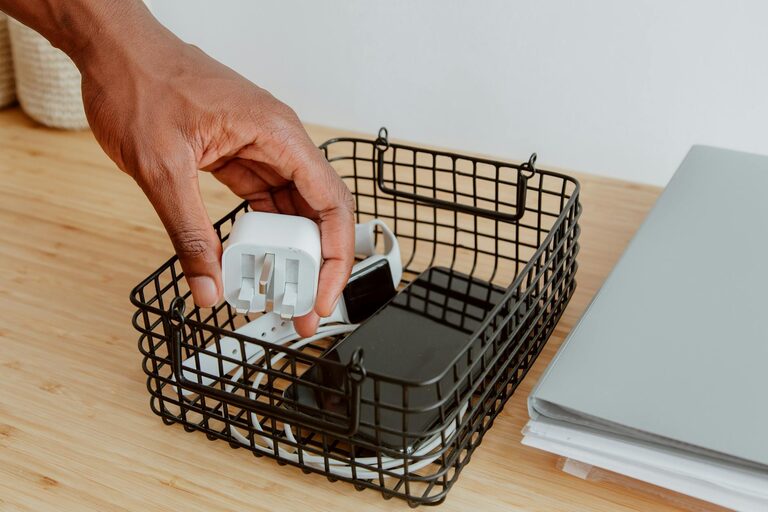
Keeping cables and chargers organized can be a challenge, especially when you have multiple devices and limited space. Tangled cords not only look messy but can also cause frustration and even damage your electronic accessories over time. The good news is that with a few simple strategies, you can keep your cables neat, accessible, and safe. This guide covers practical tips to help you organize cables and chargers effectively, whether at home or in the office.
Why Organize Your Cables?
Before diving into the how-to, it’s worth understanding why cable organization matters:
– Prevent Damage: Tangled or bent cables are prone to wear and tear.
– Save Time: Knowing where each charger is helps you avoid unnecessary searching.
– Improve Safety: Cluttered cables can create tripping hazards or overheating risks.
– Aesthetics: A neat setup looks cleaner and more inviting.
Now, let’s explore steps to achieve a neat cable setup.
Step 1: Sort and Declutter Your Cables
Begin by gathering all your cables and chargers in one place. Categorize them by device type or purpose:
– Phone chargers
– Laptop cables
– Audio cables and headphones
– Peripheral device cables like printers or keyboards
As you sort, check for cables you no longer need or that are damaged. Recycle or discard these responsibly to reduce clutter.
Step 2: Label Your Cables
Labeling cables makes it easy to identify them quickly, especially if they look similar. You can use:
– Pre-made cable labels
– Masking tape and a marker
– Small adhesive tags
Place labels near the plugs so you can identify each cable without unplugging everything.
Step 3: Use Cable Organizers
There are many tools designed to keep cables neat. Some popular options include:
– Cable ties or zip ties: Affordable and perfect for bundling cables together.
– Velcro straps: Reusable and adjustable, good for frequent use.
– Cable sleeves: Fabric or plastic covers that group several cables.
– Cable boxes: Hide power strips and chargers inside a box with ventilation.
– Cord clips or holders: Secure cables to desks or walls to prevent tangling.
Choose the organizer that fits your setup and preferences.
Step 4: Create Dedicated Charging Stations
Having a specific area for charging your devices helps concentrate cables in one place rather than scattered around. Tips for this include:
– Use a power strip with sufficient outlets.
– Position the station on a small table or shelf.
– Use cable clips or organizers to keep individual chargers tidy.
– Ensure the station has good ventilation so chargers don’t overheat.
Step 5: Store Extra Cable Length Properly
Often, cables are longer than necessary, leaving excess length to tangle. To fix this:
– Coil the extra cable length loosely—tight winding can damage wires.
– Secure coils with Velcro straps or ties.
– Store coiled cables in drawers, boxes, or hang them on hooks.
Avoid wrapping cables too tight, as this can cause internal damage over time.
Step 6: Use Furniture and Accessories for Concealment
To further increase neatness:
– Run cables behind desks or along walls using adhesive cable organizers.
– Use cable raceways—channels that hide cables along surfaces.
– Under-desk cable trays keep power strips off the floor and out of sight.
– Consider desks with built-in cable management features.
Concealing cables improves aesthetics and minimizes accidental unplugging or damage.
Step 7: Maintain Your Setup Regularly
Organizing cables is not a one-time task. Set a reminder every few months to:
– Check cable conditions.
– Remove cables you no longer need.
– Re-label or reorganize if necessary.
Regular maintenance keeps cable clutter from building up again.
Additional Tips for Specific Spaces
At Your Desk
– Use a charging dock for wireless devices.
– Employ magnetic cable holders to keep frequently used cables in place.
– Keep extension cords elevated with clips to avoid floor tangles.
At Home Entertainment Centers
– Bundle audio-visual cables by function.
– Label both ends of longer cables for easier troubleshooting.
– Use color-coded ties to differentiate between cable groups.
While Traveling
– Use a portable cable organizer pouch with compartments.
– Coil cables neatly with straps to prevent tangling in your bag.
– Keep essential chargers separate for quick access.
Conclusion
Organizing your cables and chargers is a simple way to improve your workspace or home environment. By sorting, labeling, and utilizing the right organizing tools, you can eliminate clutter and enjoy a more efficient setup. Remember, the key is consistency and making your cable management system work for your specific needs. With a little effort, your cables will stay neat, accessible, and safe for the long run!
—
Feel free to share your cable organization tips or photos in the comments below!